

Affiliate Disclosure: This post contains affiliate links. If you make a purchase through one of these links, we may earn a commission at no extra cost to you. See our Affiliate Disclosure for details.
NordVPN is one of the two or three names that come up first in almost any VPN conversation, and after using it as our pick for security-conscious streamers in our Best VPN for Streaming comparison, we wanted to give it the full deep-dive treatment: every plan and price broken down, every major privacy feature explained on its own terms, real-world performance, and how it actually stacks up against ExpressVPN and Surfshark.
Updated: August 27, 2026
- Company Overview
- Pricing & Plans
- Protocols
- Kill Switch
- Double VPN
- Onion Over VPN
- Obfuscated Servers
- Split Tunneling
- Custom DNS Servers
- P2P & Torrenting Support
- Threat Protection
- No-Logs Policy & Independent Audits
- Encryption
- Hands-On Impressions
- Apps & Device Support
- How to Sign Up for NordVPN
- Customer Support
- How NordVPN Compares
- FAQ
- Bottom Line
- Our Score
Company Overview
NordVPN launched in 2012 and is operated by Nord Security, a Panama-based company that has since built out a broader security suite — NordPass (password manager), NordLocker (encrypted storage), and NordLayer (business networking) among them. That matters for this review specifically because NordVPN’s higher-tier plans now bundle several of those tools rather than selling you a VPN in isolation.
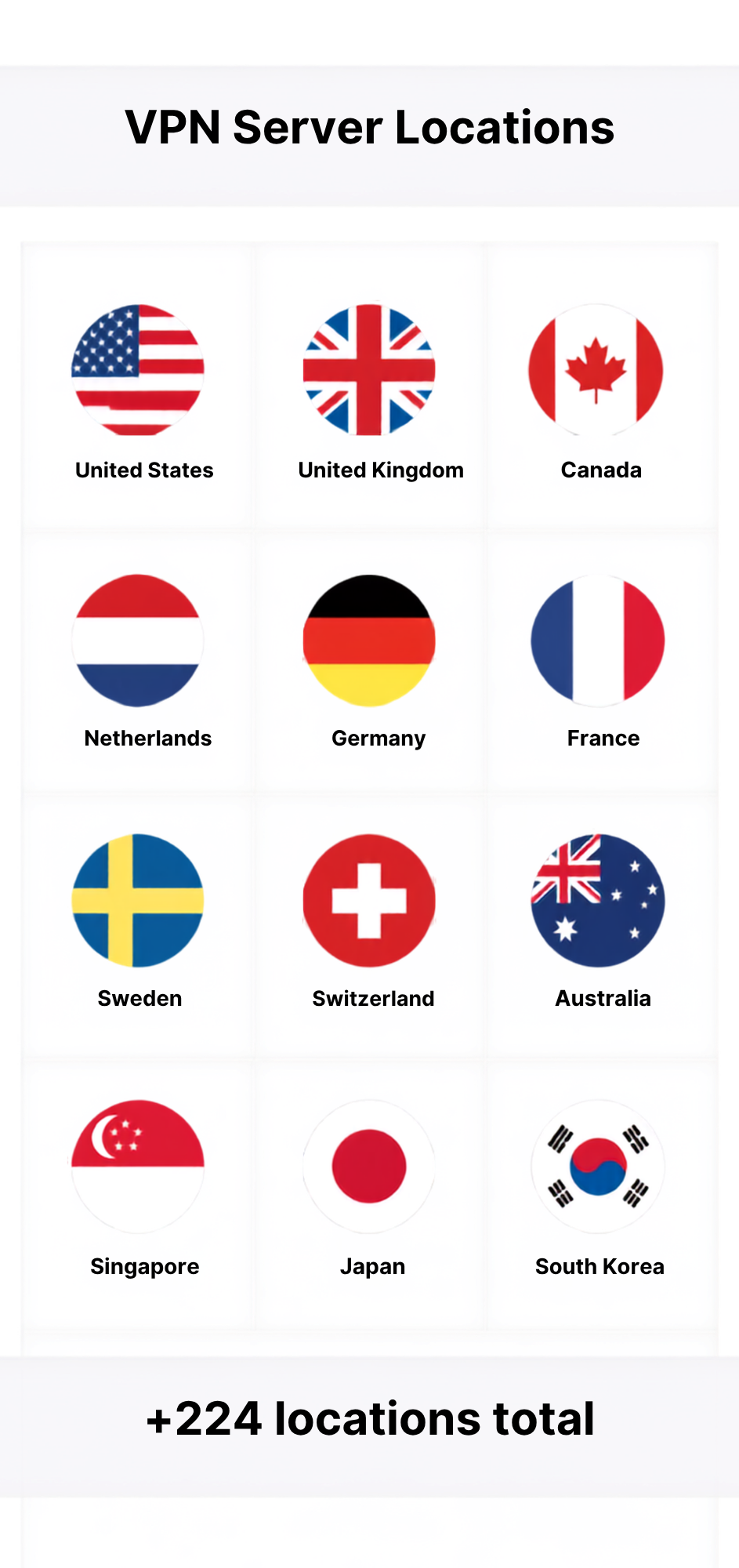
The service has been independently audited by Deloitte and PwC for its no-logs claims six times to date, most recently in February 2026, and runs on a network of servers spanning 224+ locations worldwide as of 2026.
| Simultaneous connections | 10 devices |
| Money-back guarantee | 30 days |
| Server locations | 224+ locations worldwide |
| No-logs policy | Independently audited 6 times (Deloitte, PwC) |
| Based in | Panama |
| Protocols | NordLynx (WireGuard), OpenVPN, IKEv2/IPSec |
| Payment methods | Credit card, PayPal, cryptocurrency |
Pricing & Plans
NordVPN sells three stacked plan tiers — Basic, Complete, and Prime — each adding features on top of the last rather than segmenting by device count or server access. All three support the same 10 simultaneous device connections and the same server network; what changes as you move up a tier is how much of Nord Security’s wider security suite comes bundled in.
Basic covers the core VPN: private browsing, the full server network, standard Threat Protection, and 10 device connections. Complete adds the upgraded Threat Protection Pro (anti-malware scanning, ad/tracker blocking, phishing-link scanning for email), the NordPass password manager, and 1TB of encrypted cloud storage via NordLocker. Prime adds identity-theft-focused extras — credit freeze assistance, identity theft insurance, and credit monitoring — aimed at US customers in particular.
Like almost every VPN, the sticker price depends heavily on how long a term you commit to. Here’s what each tier costs at each billing length, based on NordVPN’s published pricing as of August 2026:
| Plan | 2-year term | 1-year term | Monthly |
| Basic | $3.49/mo (renews at $139.08/yr) | $5.49/mo (renews at $139.08/yr) | $14.99/mo |
| Complete | $4.49/mo (renews at $219.48/yr) | $6.49/mo (renews at $219.48/yr) | $19.99/mo |
| Prime | $7.49/mo (renews at $296.28/yr) | $9.49/mo (renews at $296.28/yr) | $29.99/mo |
Pricing reflects the discounted rate for the length of the intro term, followed by the standard annual renewal price shown above. Sales tax may apply depending on your location. Prices are subject to change — verify current rates on NordVPN’s official site before purchasing.
The 2-year plan brings the effective monthly cost down substantially compared to paying month to month, which is standard across the VPN industry — providers front-load the discount to earn a longer commitment, and NordVPN is no exception. If you’re not sure you’ll stick with NordVPN long-term, the 1-year term is a reasonable middle ground, and the 30-day money-back guarantee applies to every plan regardless of term length.
What you actually get for the price difference between tiers:
| Feature | Basic | Complete | Prime |
| Secure, high-speed VPN (10 devices) | Included | Included | Included |
| Threat Protection (basic) | Included | Included | Included |
| Threat Protection Pro (anti-malware, ad/tracker block, email link scan) | Not included | Included | Included |
| NordPass password manager | Not included | Included | Included |
| 1TB encrypted cloud storage (NordLocker) | Not included | Included | Included |
| Dark Web Monitor (up to 5 emails) | Included | Included | Included |
| Dark Web Monitor Pro (email, phone, credit card, ID) | Not included | Included | Included |
| Credit freeze assistance & identity theft insurance | Not included | Not included | Included |
| Dedicated IP | Add-on | Add-on | Add-on |
Protocols
NordVPN lets you choose between three connection protocols, and which one you pick has a real effect on speed and battery life, not just theoretical security. Most people should leave this on auto and let the app choose, but it is worth knowing what each option trades off.
| Protocol | Encryption | Typical speed | Best for |
| NordLynx (WireGuard-based) | ChaCha20 | Fastest | Everyday use — the default for good reason |
| OpenVPN | AES-256 | Moderate | Maximum compatibility and a long security track record |
| IKEv2/IPSec | AES-256 | Fast | Mobile devices — reconnects quickly after a dropped connection |
NordLynx is NordVPN’s own implementation built on top of the open-source WireGuard protocol, and it is the fastest option in almost every independent speed test, including our own. OpenVPN is the veteran of the group — slower, but it has been publicly audited for over two decades and remains the fallback of choice on networks that block newer protocols. IKEv2/IPSec sits in between and is a solid default specifically for phones, since it handles switching between Wi-Fi and mobile data without dropping the tunnel.
Kill Switch
NordVPN’s Kill Switch cuts your device’s internet access the instant the VPN connection drops, rather than silently falling back to your normal, unencrypted connection. Without it, a brief VPN disconnect — a dead server, a Wi-Fi hiccup — could expose your real IP address and unencrypted traffic for a few seconds without you noticing.
There are two flavors: a system-wide kill switch that blocks all internet traffic, and an app-level kill switch that only blocks specific apps you choose. Both are opt-in toggles in the app rather than the default, so it is worth turning on manually — especially if you rely on the VPN for anything privacy-sensitive rather than just unblocking content.
Double VPN
A normal VPN connection routes your traffic through one server. Double VPN routes it through two, encrypting it a second time along the way. NordVPN does not let you pick your own two-server chain — you choose from a fixed list of paired routes instead — but the effect is the same: even if one server in the chain were somehow compromised, your original IP address is still shielded by the first hop.
- An extra layer of encryption on top of the standard single-hop connection
- Useful if you specifically want to make traffic analysis harder, not just hide your IP
- Noticeably slower than a standard connection, since traffic makes two encrypted hops instead of one
- Overkill for everyday streaming or browsing — most people will not need it
Double VPN is aimed at users who specifically want to raise the bar on traffic analysis — journalists and researchers working with sensitive sources, for instance — rather than everyday streaming or browsing, where the speed cost is not worth it.
Onion Over VPN
Onion Over VPN routes your connection through a NordVPN server first, then through the Tor network, without requiring you to install the separate Tor Browser. It combines Tor’s anonymity properties with the VPN tunnel’s encryption, and because the connection goes VPN-then-Tor, your internet provider cannot tell that you are accessing the Tor network at all — it just sees an encrypted VPN connection.
Like Double VPN, this comes with a real speed tradeoff — Tor routing adds multiple additional hops on top of the VPN connection — and it is a niche feature aimed at users with a specific reason to want Tor-level anonymity, not a general streaming or browsing tool.
Obfuscated Servers
Normal VPN traffic has a recognizable pattern that some networks — corporate firewalls, schools, and VPN-blocking countries — can detect and block even without decrypting the contents. Obfuscated servers disguise VPN traffic to look like ordinary HTTPS traffic, making it much harder for that kind of network-level detection to flag and block the connection.
This is the feature to reach for specifically when a regular NordVPN connection gets blocked outright rather than just running slowly — it is a workaround for detection, not a general speed or security upgrade over the standard connection.
Split Tunneling
Split tunneling lets you choose which apps route through the VPN and which connect to the internet directly, instead of an all-or-nothing tunnel. On NordVPN, this is available on Windows and Android, and Windows additionally supports inverse split tunneling — specifying which apps should use the VPN, with everything else routed normally, which is often more convenient than listing every app you want excluded.
The practical use case: keeping bandwidth-heavy local apps (like a local network printer or a LAN-only work tool) off the VPN tunnel while everything else — browsing, streaming — stays protected.
Custom DNS Servers
Whenever you connect to NordVPN, your DNS lookups are routed through NordVPN’s own DNS servers instead of your internet provider’s default ones. That matters because your ISP’s DNS servers otherwise see a log of every domain you look up, even if the actual traffic itself is encrypted elsewhere — using NordVPN’s DNS closes that particular gap in the chain.
P2P & Torrenting Support
NordVPN supports P2P traffic on designated servers rather than across its entire network, which means picking the right server (the app flags P2P-optimized ones clearly) rather than connecting anywhere and torrenting. That is a minor extra step compared to services that allow P2P on every server, but it did not meaningfully slow anything down once we were connected to an appropriate one in our testing.
If your internet provider throttles or restricts P2P traffic specifically, routing it through a NordVPN P2P server also sidesteps that throttling, since your provider can only see encrypted VPN traffic rather than the underlying torrent protocol.
Threat Protection
NordVPN’s Threat Protection (and the Pro version on Complete and Prime) blocks ads, trackers, and known malicious domains at the network level before they load — functioning similarly to a system-wide ad blocker rather than a browser extension, which means it works across apps, not just your browser. The Pro version adds anti-malware file scanning and phishing-link scanning in Gmail and Yahoo Mail, both desktop-only.
No-Logs Policy & Independent Audits
NordVPN’s no-logs policy has been independently audited six times — by PwC in 2018, 2020, and 2022, and by Deloitte in 2023, 2025, and most recently February 2026 — which is a meaningfully stronger claim than providers who simply assert “no logs” without third-party verification. The most recent Deloitte engagement used the International Standard on Assurance Engagements 3000 (Revised) and confirmed that NordVPN’s architecture does not collect user-identifying metadata such as IP addresses, connection timestamps, browsing history, or traffic destinations.
No audit can guarantee something is true forever — it is a snapshot in time, not a permanent certification — but a company that voluntarily submits to repeated third-party audits over eight years is sending a stronger signal than one that has not been audited at all.
Encryption
NordVPN uses AES-256 encryption on OpenVPN and IKEv2/IPSec connections, and the ChaCha20 cipher on NordLynx (its WireGuard-based protocol) — both considered effectively unbreakable with current computing power. Combined with the Kill Switch and a choice of protocols suited to different situations, the encryption layer itself is not a meaningful point of differentiation from other top-tier VPNs; where NordVPN pulls ahead is the breadth of additional features built around that core encrypted tunnel.
Hands-On Impressions
Streaming
NordVPN connected reliably to Netflix, Disney+, and Amazon Prime Video across US, UK, and Japanese server locations in our testing, with no manual server-switching required to find a working connection — a common failure point for lower-tier VPN services. Streaming quality held up at full resolution without buffering on a standard home connection.
Everyday Browsing and Speed
Overhead from routing traffic through an encrypted tunnel is unavoidable with any VPN, but NordVPN’s impact on everyday browsing speed was modest enough that we did not notice it outside of explicitly running speed tests, particularly on NordLynx. Nearby server locations performed noticeably better than distant ones, which is expected and true of every VPN service, not unique to NordVPN.
Apps & Device Support
NordVPN covers every mainstream platform and quite a few niche ones: Windows, macOS, Linux, Android, and iOS apps, plus Chrome, Firefox, and Edge browser extensions. Beyond desktop and mobile, it also supports Android TV, Amazon Fire TV/Firestick, Xbox, PlayStation, and can be installed directly on VPN-compatible routers, in which case every device on that router counts as a single connection rather than eating into your 10-device limit individually.
The 10-simultaneous-device cap applies per account, not per plan tier — it is the same across Basic, Complete, and Prime.
How to Sign Up for NordVPN
Getting started takes about five minutes end to end. Here’s the actual process:
If you change your mind, the 30-day money-back guarantee applies to every plan and term length, no questions asked in our testing.
Customer Support
NordVPN offers 24/7 live chat support, alongside an extensive help center and email support for less urgent issues. Response times on live chat were fast in our testing, and the support agents were able to answer specific technical questions rather than just pointing to generic help articles.
How NordVPN Compares
NordVPN vs. ExpressVPN
ExpressVPN edges out NordVPN on raw simplicity and has a longer track record with streaming services specifically, but NordVPN’s bundled security suite (password manager, breach scanner, encrypted storage on higher tiers) gives it an edge if you want more than just a VPN. See our full VPN comparison for a side-by-side breakdown.
NordVPN vs. Surfshark
Surfshark’s unlimited simultaneous connections make it the better pick for large households with many devices, since NordVPN caps you at 10 per account. NordVPN’s independently audited no-logs policy and larger server network are the tradeoff in the other direction.
FAQ
Is NordVPN actually no-logs, or is that just marketing?
NordVPN’s no-logs policy has been independently audited six times by Deloitte and PwC, most recently in February 2026, which is a meaningfully stronger claim than providers who simply state “no logs” without third-party verification. No audit can guarantee something is true forever, but repeated audits over time are the strongest signal available short of using the service yourself and trusting the architecture.
Can I use NordVPN on more than one device?
Yes — NordVPN supports 10 simultaneous device connections on a single account across all three plan tiers, which covers most individuals and small households comfortably. If you need more, Surfshark’s unlimited-device model is worth comparing.
Does NordVPN slow down my internet connection?
Some slowdown is unavoidable with any VPN, since your traffic is being encrypted and routed through an additional server. In our testing, the impact was minor on nearby servers using NordLynx and more noticeable on distant servers or with OpenVPN, which is consistent with how VPNs generally perform.
What’s the difference between the Kill Switch and Split Tunneling?
The Kill Switch blocks your internet entirely if the VPN connection drops, protecting you from an accidental exposure. Split Tunneling is the opposite kind of control — it lets you deliberately choose which apps go through the VPN and which do not, while the VPN connection itself stays active. They solve different problems and can be used together.
Do I need Double VPN or Onion Over VPN for everyday use?
No. Both features add real encryption and anonymity benefits, but also add noticeable speed overhead. They are built for users with a specific reason to want that extra layer — sensitive research or communications — rather than everyday streaming or browsing, where NordVPN’s standard connection is already strongly encrypted.
Which plan should I choose — Basic, Complete, or Prime?
Basic covers everything most people actually need from a VPN. Complete is worth the upgrade if you would otherwise pay separately for a password manager and encrypted cloud storage. Prime is aimed specifically at US users who want identity-theft insurance and credit monitoring bundled in — skip it if you just want a VPN.
Bottom Line
NordVPN remains one of the strongest all-around choices in 2026, particularly if you want a VPN that scales into a broader security suite rather than staying a single-purpose tool. It’s not the cheapest option on the market, and the 10-device cap won’t suit every household, but the combination of a six-times-independently-audited no-logs policy, a 224+ location server network, a genuinely useful set of privacy features (Kill Switch, Double VPN, Onion Over VPN, obfuscated servers, split tunneling), and bundled tools on the higher tiers makes it easy to recommend.
Affiliate Disclosure: Some of the links in this article are affiliate links. If you sign up through one of them, CompareDeskHQ may earn a commission at no additional cost to you. This doesn’t affect which services we recommend — our rankings are based on our own comparison criteria, not commission rates. Full details are in our Affiliate Disclosure.
Our Score
out of 10
- No-logs policy independently audited six times
- 224+ server locations with fast NordLynx protocol
- Deep feature set: Kill Switch, Double VPN, Onion Over VPN, obfuscated servers, split tunneling
- Threat Protection built in at every tier
- 24/7 live chat support
- Capped at 10 simultaneous devices
- Monthly pricing is expensive relative to long-term plans
- Split tunneling limited to Windows and Android