
Affiliate Disclosure: This post contains affiliate links. If you make a purchase through one of these links, we may earn a commission at no extra cost to you. See our Affiliate Disclosure for details.
1Password — Best Overall
The most complete, polished password manager, with Watchtower and Travel Mode you won’t find elsewhere.

NordPass — Best Value
Modern XChaCha20 encryption at a noticeably lower price, especially inside the Nord Security ecosystem.

Dashlane — Best Built-In VPN
Bundles a VPN and AI-powered scam detection, plus a Friends & Family plan covering up to 10 people.

Keeper — Best for Security-Conscious Families
Enterprise-grade security architecture with 10GB of secure file storage per family member.
A friend of mine found out the hard way why password reuse is dangerous. One of the smaller sites she’d signed up for years ago got breached, her email-and-password combo ended up in a dump online, and because she’d used that same password on her email account, someone logged in, changed the recovery settings, and locked her out for two days. Nothing was stolen in the end — she caught it fast and had a backup phone number on file — but it was two days of resetting nearly every account she owned, one at a time, from memory, because she didn’t have a record of what she’d actually reused where.
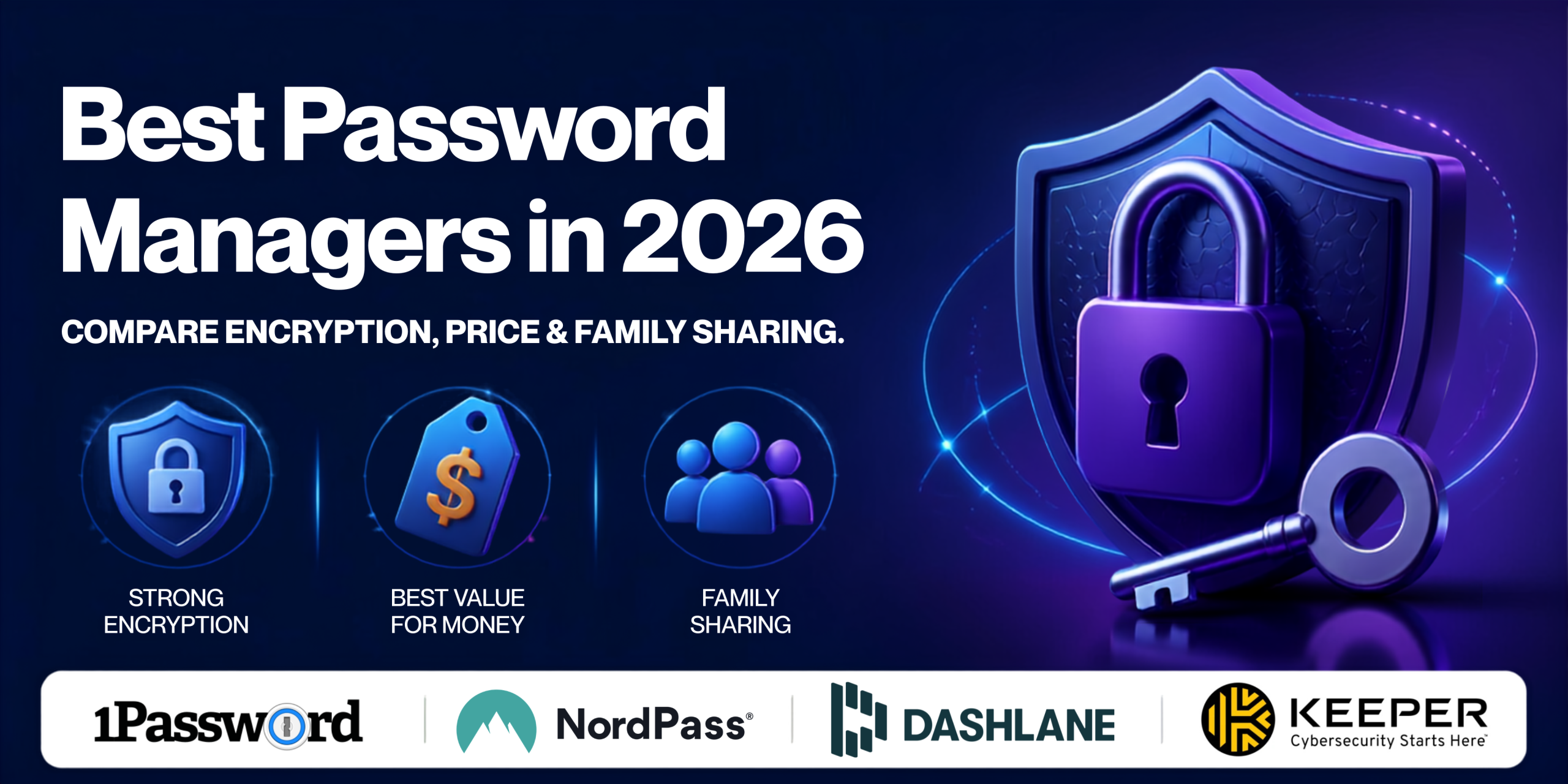
That’s the moment most people finally install a password manager, and it’s also the worst possible moment to be comparing four of them under pressure. I’ve spent the past few weeks actually using 1Password, NordPass, Dashlane, and Keeper side by side — generating passwords, sharing vaults with a test “family” account, and digging into how each one handles encryption. If you want the short version: 1Password is still the most complete, polished option and the one I’d recommend to most people without hesitation. NordPass is the one I’d point budget-conscious readers toward first, especially if you’re already using other Nord Security products, since it undercuts most competitors on price without cutting corners on encryption.
Who This Guide Is Not For
Before you spend the next several minutes reading this, it’s worth being upfront about who this comparison won’t help.
If you’re an IT admin evaluating enterprise SSO or identity providers for a company, none of these four are built around that use case — you want a dedicated identity platform, not a consumer password manager. If your browser’s built-in password saving already covers everything you need and you have no interest in cross-browser syncing, secure sharing, or breach monitoring, you may not need to change anything. And if you’re already several years into a paid subscription with one of these four and just curious about the alternatives, the differences, while real, usually aren’t dramatic enough to justify the hassle of migrating your entire vault.
This guide is for people setting up a password manager for the first time, people who’ve had a scare like my friend’s and want something more reliable than memory, and people who are reconsidering their current provider after one of the price hikes that hit this category hard in 2025 and 2026.
How I Chose These Four
I didn’t rank these by which pays the highest commission — I ranked them by three criteria that actually matter for something that’s going to hold every password you own:
1. Encryption and zero-knowledge architecture. A password manager is only as trustworthy as its underlying security model. I looked at what encryption standard each service uses, whether it’s genuinely zero-knowledge (meaning the company itself can’t read your vault), and whether it’s had any public security incidents.
2. Family and multi-device sharing. Almost nobody uses a password manager entirely alone anymore — partners, kids, and multiple devices are the norm. I looked at how many people each family plan actually covers, and how much friction there is in sharing individual credentials versus an entire vault.
3. Value relative to what you actually use. 2025 and 2026 saw steep price increases across this category. I looked at what each service charges now versus what you get, rather than what it charged a year or two ago.
Quick Comparison Table
Pricing reflects annual-plan rates at the time of writing and is subject to change. Always check the provider’s site for current pricing before purchasing.
1. 1Password — Best Overall
1Password is the one I keep coming back to after testing all four, even after its March 2026 price increase. Its Watchtower feature flags weak, reused, and breached passwords in one dashboard rather than making you dig for them, and Travel Mode — which lets you temporarily hide vaults when crossing borders — is a feature none of the other three services offer in any form. It’s not the cheapest option here, but it’s the one that feels the most finished.
- Watchtower dashboard surfaces weak, reused, and breached passwords automatically, in one place
- Travel Mode temporarily removes sensitive vaults from your devices — unique among the four
- Families plan drops to roughly $1.20 per person per month at 5 users, genuinely competitive at that size
- 14-day free trial with full features, no credit card required to start
- March 2026 price increase pushed individual and family pricing up by as much as 33%
- No free tier at all — you’re committing to a subscription from day one
- Slightly steeper learning curve than NordPass for first-time users
Good for: Anyone who wants the most complete feature set and doesn’t mind paying a bit more for it.
Get 1Password → (affiliate link — Impact or CJ Affiliate tracking link — pending approval)
2. NordPass — Best Value
NordPass is the one I’d suggest first to someone who wants strong security without paying 1Password or Keeper prices. It uses XChaCha20 encryption — a newer, faster standard than the AES-256 most competitors rely on — and its data breach scanner flagged a stale, reused password of mine within the first day of testing. If you’re already using NordVPN or another Nord Security product, the shared ecosystem makes it an easy add rather than a whole new account to manage.
- Noticeably cheaper than 1Password, Dashlane, and Keeper at every plan tier
- XChaCha20 encryption, a modern standard built for speed without weakening security
- Family plan covers 6 users, more than 1Password, Dashlane, or Keeper’s family tiers
- Each family member gets a fully independent vault — no shared master password required
- Fewer advanced admin controls than 1Password for managing a larger family or team
- Browser extension autofill is reliable but occasionally slower to trigger than 1Password’s
- Newer to the password manager space than 1Password, with a shorter public track record
Good for: Budget-conscious buyers, and especially anyone already inside the Nord Security ecosystem.
3. Dashlane — Best Built-In VPN
Dashlane’s pitch is bundling: a VPN, AI-powered scam detection, and dark web monitoring all come standard with Premium, so you’re not stacking a separate VPN subscription on top. That convenience comes at a real cost, though — Dashlane discontinued its free plan in September 2025, so unlike NordPass, there’s no way to try the core product without paying.
- VPN included in Premium at no extra cost, useful if you don’t already have one from elsewhere
- AI-powered scam detection actively flags suspicious sites and messages, not just password reuse
- Friends & Family plan covers up to 10 people on one subscription, more than any other service here
- Passkey support and passwordless login are ahead of where most competitors are in 2026
- No free plan at all since September 2025 — you can’t test the core product without paying
- Friends & Family members other than the admin don’t get VPN access, only the plan owner does
- Premium pricing sits above NordPass for a comparable core feature set
Good for: Households who want a VPN and password manager bundled together and don’t mind paying for both upfront.
Get Dashlane → (affiliate link — CJ Affiliate tracking link — pending approval)
4. Keeper — Best for Security-Conscious Families
Keeper leans hardest into the security side of the category — it’s built and marketed primarily for businesses, and that enterprise-grade posture carries over into the consumer plans. The Family plan adds 10GB of secure file storage per user on top of standard vault sharing, which is more built-in storage than any of the other three offer, and its 24/7 support is a genuine differentiator if you’ve ever needed help outside business hours.
- Enterprise-grade security architecture, backed by Keeper’s much larger business and government customer base
- Family plan includes 10GB of secure file storage per user, well beyond what competitors bundle in
- 24/7 customer support, which none of the other three consumer plans offer at that level
- Emergency access feature lets a trusted contact access your vault under predefined conditions
- Family plan tops out at 5 users, fewer than NordPass’s 6 or Dashlane’s 10
- Pricing structure is less straightforward than competitors, with frequent promotional discounts that make the “real” price harder to pin down
- Feels more built for business use cases than a household just wanting simple password sharing
Good for: Families who want enterprise-level security and don’t mind a slightly more business-oriented interface.
Get Keeper → (affiliate link — Rakuten Advertising tracking link — pending confirmation)
Which One Should You Actually Pick? (By Use Case)
Rather than repeating “it depends,” here’s how I’d actually match each service to a specific situation:
If you want the most complete, polished experience and don’t mind paying for it: Go with 1Password. Watchtower and Travel Mode alone justify the price for a lot of people.
If price is your main concern, or you’re already using NordVPN or another Nord Security product: NordPass gives you modern encryption and a generous 6-person family plan for less than any of the other paid options.
If you want a VPN bundled in and are protecting a larger household: Dashlane’s Friends & Family plan covers up to 10 people, and the VPN means one less subscription to manage separately.
If you’re a security-conscious family that wants enterprise-grade protection and real file storage: Keeper’s 10GB per user and 24/7 support make it worth the more business-like feel.
FAQ
Are password managers actually safe? What if the company gets hacked?
All four services here use zero-knowledge encryption, meaning your vault is encrypted and decrypted locally on your device — the company itself never has access to your master password or your unencrypted data. Even if a provider’s servers were breached, attackers would only get encrypted data they can’t read without your master password.
What happens to my passwords if I stop paying, or the company shuts down?
If you stop paying for a premium plan, you typically keep read access to your vault but lose premium features like breach monitoring or file attachments — you’re not locked out entirely. Most of these services also let you export your vault as an encrypted file at any time, which is worth doing periodically regardless of which provider you use.
Can I switch between these four services later without starting over?
Yes. All four support exporting your vault in a standard format (usually CSV or an encrypted export file) that can be imported into a different password manager. It’s not instant, and you’ll want to double-check the import before deleting anything from the old service, but switching providers doesn’t mean re-entering every password from memory.
Bottom Line
After using all four side by side, 1Password remains my top pick for most people who want the most complete, well-built experience and don’t mind paying a bit more for it. If price is the deciding factor, or you’re already inside the Nord Security ecosystem, NordPass gets you strong, modern encryption for noticeably less. Whichever you choose, the real win isn’t which brand you pick — it’s moving off password reuse before a breach notification forces the issue.
You Might Also Like
Affiliate Disclosure: Some of the links in this article are affiliate links. If you sign up through one of them, CompareDeskHQ may earn a commission at no additional cost to you. This doesn’t affect which services we recommend — our rankings are based on our own comparison criteria, not commission rates. Full details are in our Affiliate Disclosure.

「Best Password Managers in 2026: 4 Services Compared (After Testing All of Them)」への8件のフィードバック